
Notes
Use Notes when
Section titled “Use Notes when”You have lecture slides or a PDF and want a study artifact that is more useful than a transcript but still faithful to the source. Notes works especially well when the material contains diagrams, mechanisms, lists and clinical teaching points that need different treatment.
The workflow
Section titled “The workflow”- Extract. The agent reads slide text, document structure and relevant images. Image-only material may be passed through text recognition.
- Chunk with context. Long files are divided into coherent sections without treating every page as an unrelated prompt.
- Generate section notes. Each section becomes structured teaching material with headings, mechanisms, tables, diagrams and clinical anchors where appropriate.
- Verify. A separate pass checks coverage, numerical claims and consistency with the extracted source.
- Retry or degrade honestly. A weak section may be regenerated. If repeated generation fails, KoiSwarm preserves source-derived material rather than inventing a polished replacement.
- Assemble and save. Sections become one note set and are saved as an artifact in Drive.
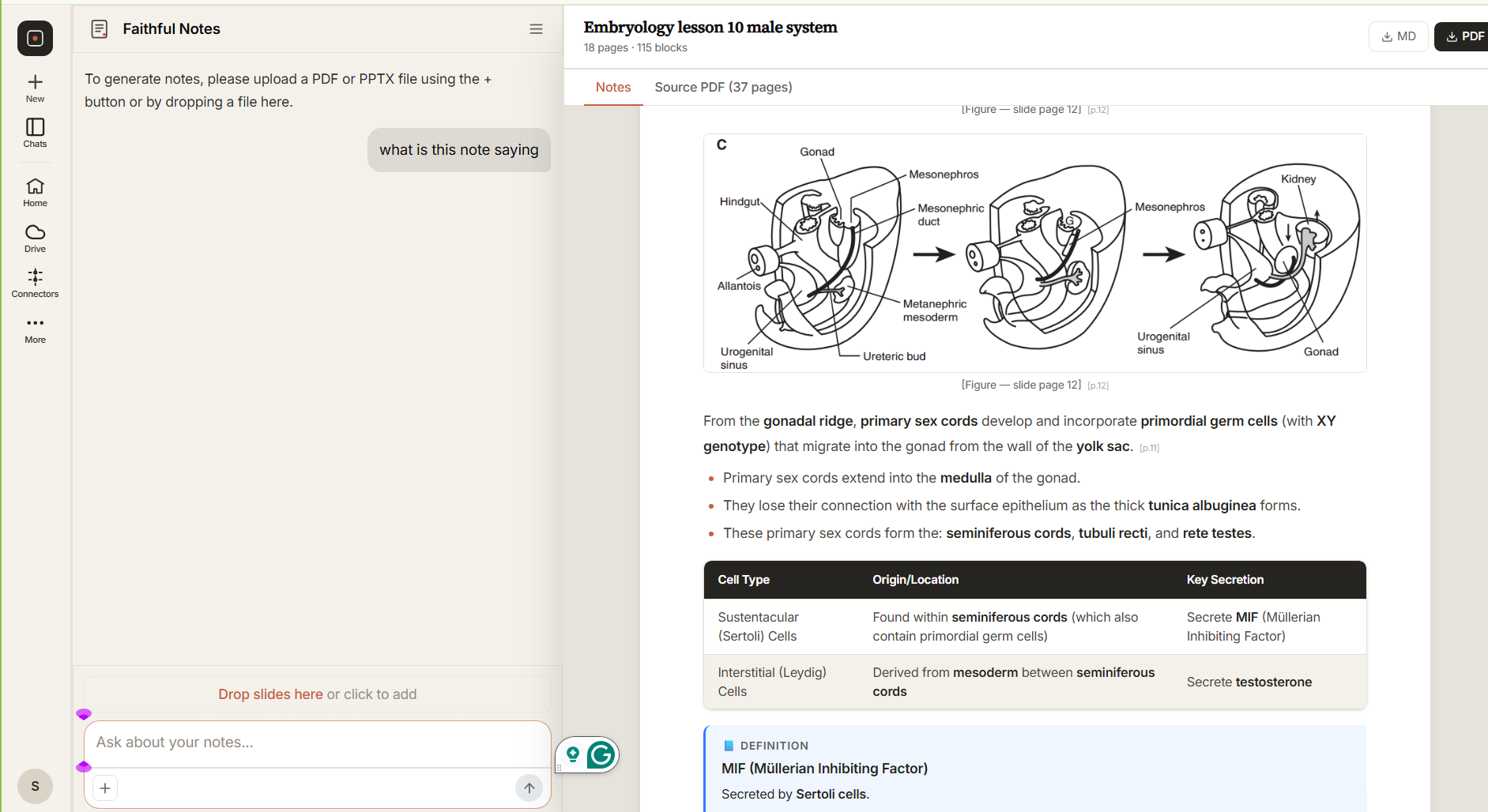 Structure first: headings, mechanisms, clinical anchors and source-faithful detail.
Inputs and outputs
Section titled “Inputs and outputs”Input: PDF or presentation, plus optional guidance about exam level, detail and format.
Output: a structured note artifact. The agent is designed to retain useful detail—not compress every lecture into a generic one-page summary.
Trust notes
Section titled “Trust notes”Notes is primarily transforming material you supplied. It may surface inconsistencies, but it is not automatically a replacement for a literature review. Ask SuperAgent to add Research or Deep Search when a claim needs current external evidence.