
Research
Use Research for
Section titled “Use Research for”Research is for questions that need a literature-shaped answer: a mini review, evidence comparison, assignment plan or cited report. It is deliberately more structured than ordinary web search.
The research flow
Section titled “The research flow”- Parse the assignment. The agent identifies the research question, scope, audience, date constraints and expected output.
- Generate search angles. It creates several literature queries rather than relying on a single wording.
- Search scholarly sources. PubMed and Semantic Scholar are queried for relevant records; a supplementary current-context source may add background when academic coverage is thin.
- Rank relevance. Candidate papers are filtered and ordered against the actual question.
- Appraise each study. The workflow extracts design, population, intervention or exposure, effects, limitations and likely bias.
- Compare the evidence. Findings are weighed across studies, including disagreement and differences in design.
- Build an evidence blueprint. Each report section receives an evidence pack before prose is drafted.
- Draft and challenge. Sections are written, then checked for logic, numerical claims, evidential support and overstatement.
- Validate citations. Unknown or missing citation markers are rejected; the bibliography contains papers actually cited in the report.
- Edit and assemble. The final artifact is made coherent and saved with its sources.
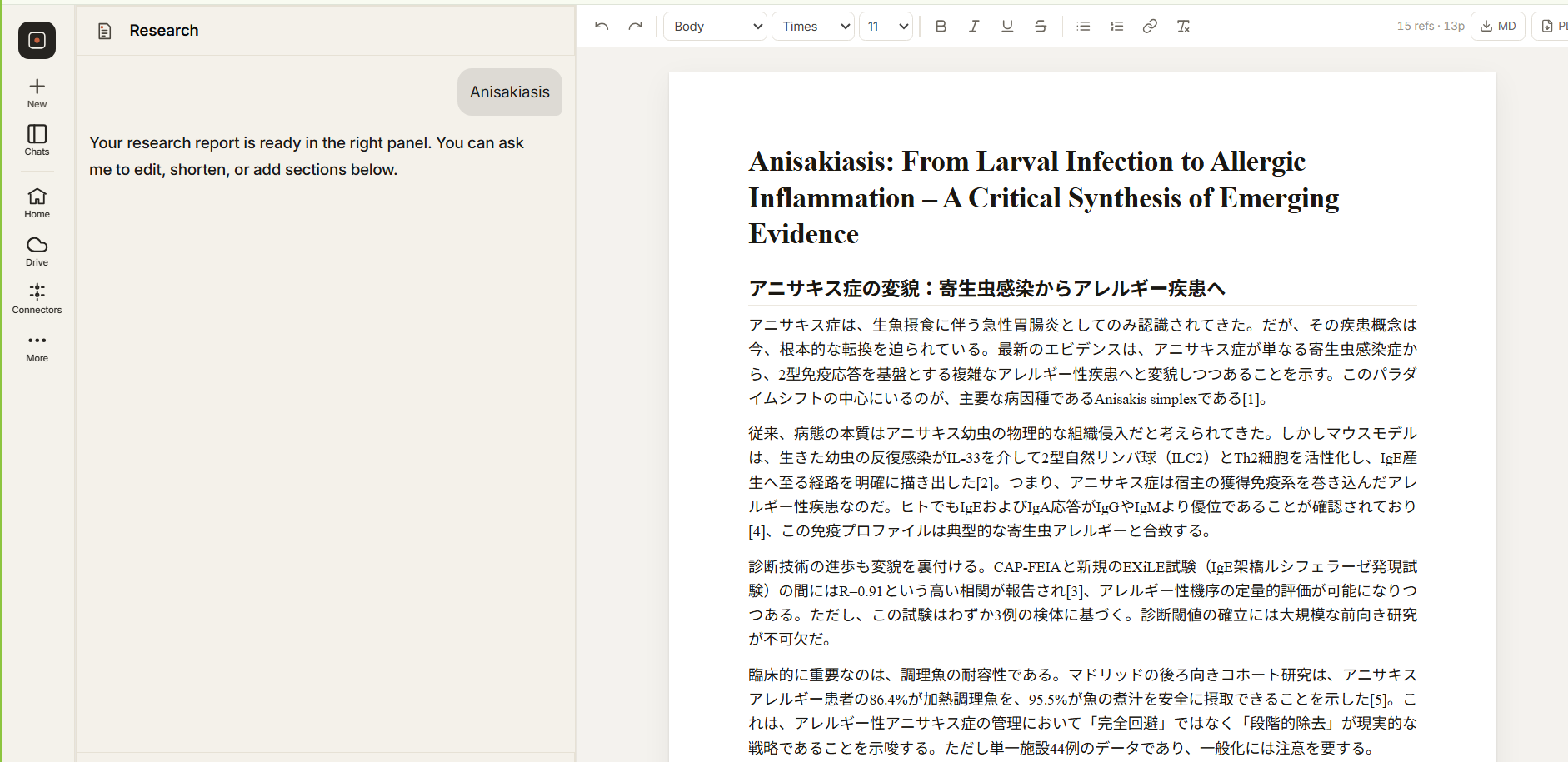 Claims, paper records and bibliography markers remain connected.
Revise, export and link to Docs
Section titled “Revise, export and link to Docs”You can keep working on a report in the same conversation. Ask for a change — shorten a section, tighten the numbers, fix a citation — and the Research agent edits the report itself: it reads the current text, works out what you asked for, applies the changes, and checks the result before returning it.
The report can be exported as Markdown or PDF. It can also be linked to Google Docs, which writes the report into a real Google Doc — headings, citations and figures included. Once linked, the Google Doc is the source of truth, and the agent edits the document directly rather than a separate copy. Unlinking returns the report to the in-app editor without deleting the Doc.
What you should still check
Section titled “What you should still check”No automated literature workflow guarantees a complete search or a correct interpretation. Check decisive claims in the original paper, inspect eligibility decisions for formal reviews and follow your institution’s rules for AI assistance.