
KoiClaw
What KoiClaw is
Section titled “What KoiClaw is”KoiClaw is KoiSwarm’s Telegram entry point. A linked Telegram conversation runs through the same SuperAgent session system as the web workspace. Plain questions can be answered in chat, specialist work can be routed from the same message, and the full conversation can be reopened in the web app.
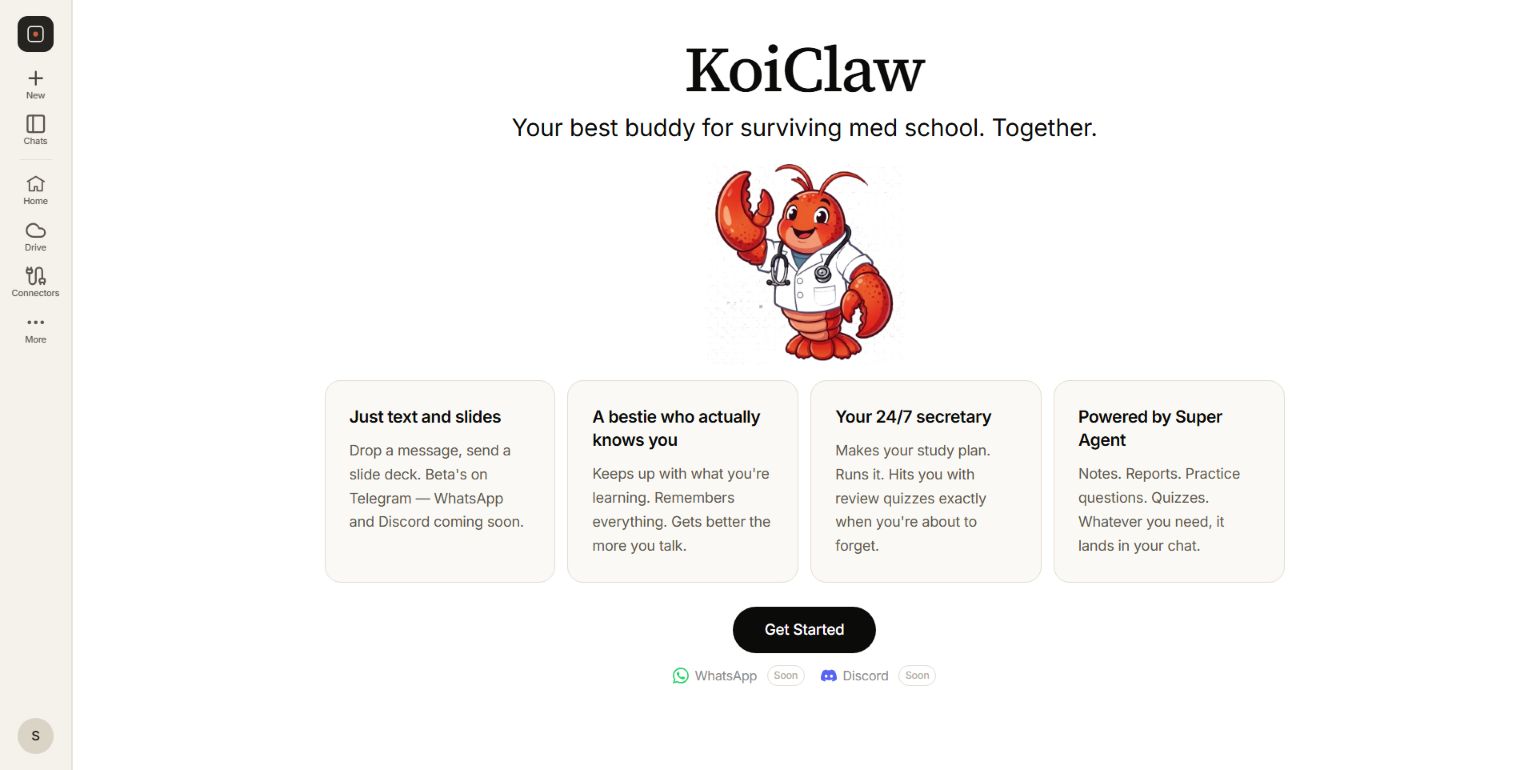 KoiClaw uses SuperAgent for notes, reports, practice questions, quizzes, and cited explanations.
Connect Telegram
Section titled “Connect Telegram”- Open KoiClaw in the KoiSwarm workspace and select Get Started.
- KoiSwarm opens Settings → Connectors and highlights Telegram.
- Select Connect to create a short-lived linking code.
- Open the supplied Telegram link. If the link is unavailable, send
/link CODEto the KoiSwarm bot. - Return to the connector panel and refresh the status if it has not updated automatically.
The Telegram account must be linked before a question or file is sent to SuperAgent. An invalid or expired code is rejected; create a new code from connector settings.
What happens to a message
Section titled “What happens to a message”- KoiClaw checks that the Telegram account is linked to a KoiSwarm user.
- The same medical-study scope guard used by the web workspace checks the request.
- The message enters the current SuperAgent conversation. With no explicit selection, SuperAgent chooses between a direct answer and specialist work.
- Progress updates are streamed into the Telegram draft while the run is active.
- The result is rendered for Telegram, followed by a link to the complete web conversation when one is available.
Use /new when the next request should start a fresh SuperAgent conversation.
Files and specialist selection
Section titled “Files and specialist selection”Telegram currently accepts PDF and PPTX files up to 10 MB. A file runs through Notes by default. Labelling can be selected for a PPTX before sending the file.
Send /agents to select one or more of the specialists currently exposed in Telegram:
- Research
- USMLE
- Deep Search
- Notes
- Labelling
The selection applies to the next message or file only. You can also use /research, /usmle, /notes, /deepsearch, or /label to force one specialist for a request.
How results return
Section titled “How results return”| Result | Telegram behaviour |
|---|---|
| Direct explanation | Sent as one or more text messages. |
| Notes or report | Sent as text or a PDF when that deliverable is available, with an app link where provided. |
| USMLE practice | Up to five questions are shown with answer buttons. Selecting an answer reveals correctness and the stored explanation. |
| Labelling | Returns a link to open the interactive quiz in the web app. |
| Multi-agent run | Each deliverable is sent, followed by a link to the full web session. |
Fast and Ultra
Section titled “Fast and Ultra”/fast selects quicker replies without the displayed reasoning log. /ultra enables the thorough routing mode and its progress reasoning. /mode reports the current choice. This preference is stored for the KoiSwarm user, so changing it in Telegram also changes the web composer.
Current availability
Section titled “Current availability”Telegram is in beta. WhatsApp and Discord are displayed as Soon and are not currently available KoiClaw connections.